To blog overview

Comparing Cloud-Based and Desktop Hearing Aid Fitting Software

As a hearing care professional, balancing time between patient care and clinic operations is a daily challenge. Administrative tasks such as software updates, navigating overly complex interfaces, and managing paperwork often eat into valuable time.  

With cloud-based fitting software emerging as a viable alternative to conventional desktop-based fitting software, it is important to understand the benefits and limitations of each option before deciding whether to switch to a new software. 

Why does the right fitting software matter? 

Market research shows that 89% of hearing care providers consider overly complex fitting software a significant challenge in their daily work*. That’s why selecting the right hearing aid fitting software is an important prerequisite for your clinic to streamline workflows, reduce administrative burdens, and ensure that the fitting, the final step of a long consultation journey, reflects the trust patients place in your recommendations.

But what are the main differences between cloud- and desktop-based fitting software, and how to decide which is best suited for your daily routine? 

*Widex market research, Opinium, May 2023 

Desktop-based fitting software: a short recap

Desktop-based fitting solutions have served as the backbone of many clinics. Installed and running directly on local computers, these fitting systems allow offline usability and integration with existing hardware.

While practical for environments with limited Internet access, traditional desktop models often come with challenges, such as manual updates, hardware specifications, and time-consuming workflow disruptions, especially when juggling fittings from multiple manufacturers.

The overall maintenance and rigidity of these solutions can limit their adaptability, leading to frustrating delays. This is further compounded by the considerable administrative workload, such as time-consuming journaling, that hearing care professionals must manage alongside navigating fitting software.


Cloud-based fitting software: the essentials  

Cloud-based fitting software is designed to streamline the fitting experience.

Unlike desktop solutions, these systems operate online, providing continuous updates without manual intervention.

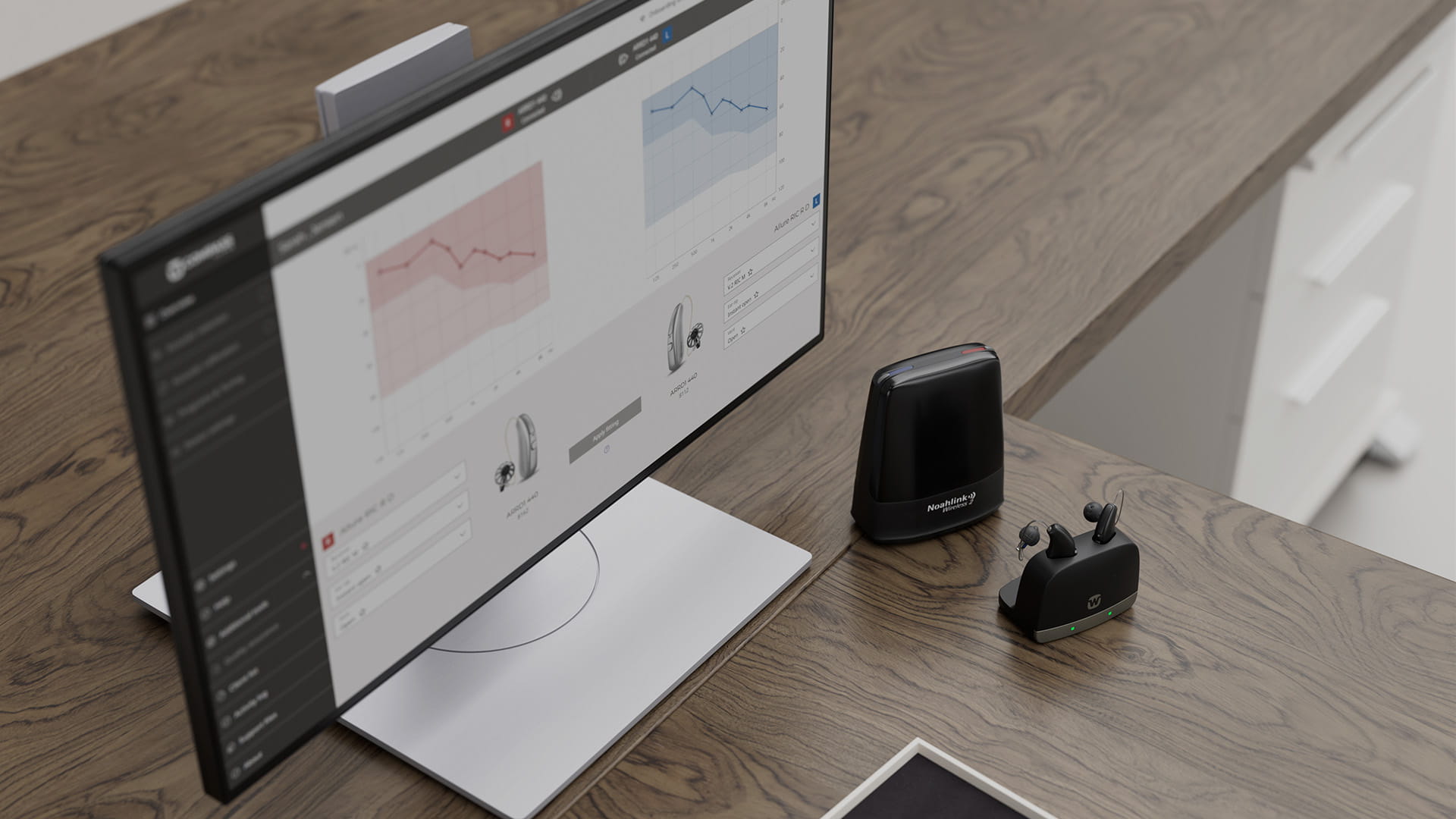
To avoid the complexities typically associated with onboarding to new software, cloud-based platforms like Compass Cloud mimic familiar web-browsing experiences. This makes navigation remarkably easy. Built-in onboarding guides and automated updates further streamline the process, enabling HCPs to focus more on delivering hearing care. 

Why automated updates?

Software updates can disrupt workflows, especially when juggling fittings from multiple manufacturers. Few things are more frustrating than discovering outdated software just as you’re about to fit a patient’s hearing aids.   

The key differences at a glance 

Cloud vs Desktop Fitting Software
Cloud-based fitting software Desktop-based fitting software
Always up to date Manual updates needed
Works with Noah Works with Noah
Requires internet access Does not require internet access
Built-in onboarding tour tool Long PDF user guides
Connected Software Services
One unified portal with SSO for access to multiple software services, all in the browser
Disconnected Software Services
Discrete fitting in the desktop application, all other services in a browser
Fitting data securely processed in cloud-based systems and kept according to your clinic’s decision Fitting data processed locally on the PC

Using real-world data in the fitting process - is it safe?  

A cloud-based fitting approach mitigates reliance on computer hardware performance, as data from the fitting session is processed in the cloud. This makes such platforms more adaptable across diverse clinic setups.

For example, using real-world data and advanced algorithms ensures better personalisation in hearing aid fittings. This is only possible with the right privacy and security foundation in mind.

As the first cloud-based fitting software, Compass Cloud, for example, is based on robust security and privacy frameworks to ensure sensitive patient information is safeguarded, allowing HCPs to confidently integrate cloud-based tools into their practice.  

Connecting functionality to patient care 

Every clinic deserves to operate efficiently while delivering the quality and care your clients expect. That’s why, when evaluating fitting software, your choice ultimately depends on your clinic's technological readiness, workflow needs, and the importance placed on integrating new tools to simplify the fitting process.

If your practice relies on offline capability and legacy systems, desktop-based software may continue to serve you well. However, if you prioritise workflow efficiency and a solution designed to integrate with your clinic’s overall ecosystem, shifting to a cloud-based option like Widex Compass Cloud may make the most sense. 

Learn more about Compass Cloud
Go to the top