WIDEX ALLURE APP
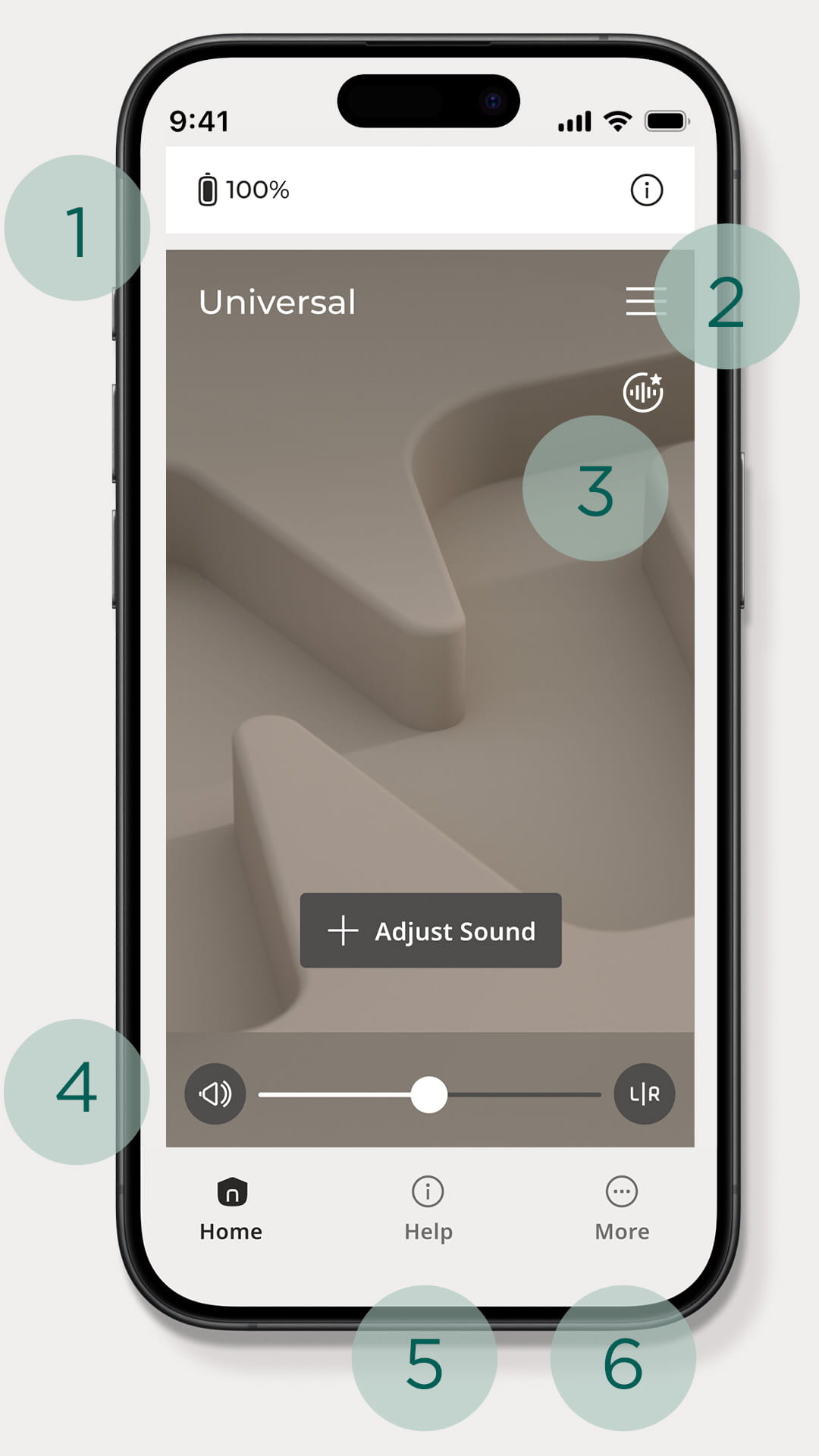
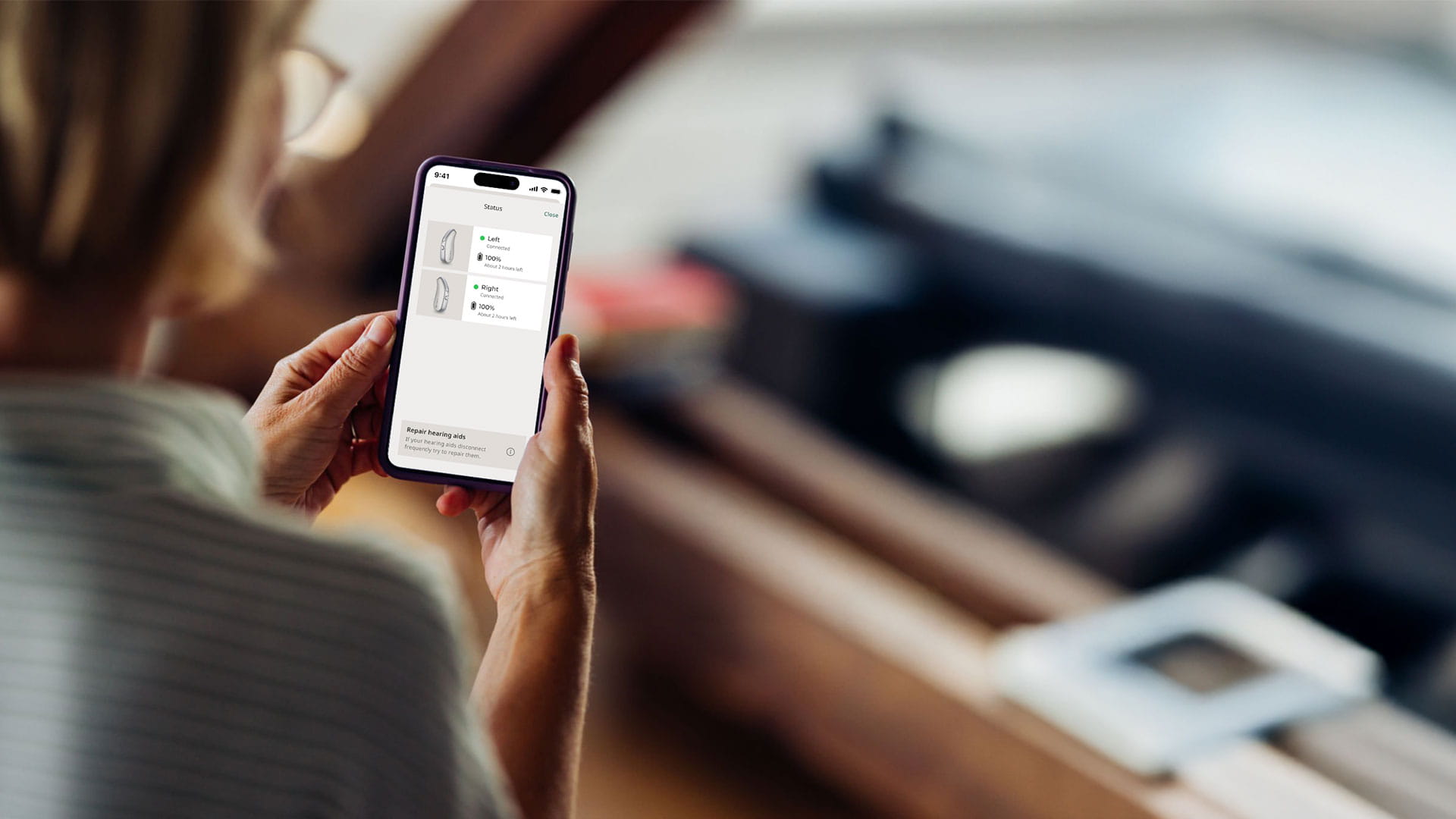
Check the battery and connection status via a phone or Apple® Watch.
Easily switch between programs depending on the environment.
Use AI assistance to optimize sound settings, fine tune the hearing experience, and gain access to customization tools from the home screen.
Adjust volume and frequency balance for a tailored hearing experience.
Easy-to-follow installation and pairing instructions, including video guides.
Include the Find My Hearing Aids function and more.
Download the app now


A MORE PERSONAL SOUND EXPERIENCE

Universal
A default program for everyday hearing that adjusts automatically to any environment

Music
Creates an optimized experience for concerts and other non-streamed music sources

My personal program
Your patients can create and save personalized programs and easily access them again

AI Sound Assistant
Helps the patient choose the right sound settings for specific situations

PureSound™
Our ZeroDelay™ program with a sound quality tailored to patients with mild and moderate hearing loss, targeting easier acceptance.

Telecoil streaming
Wearers can wirelessly connect to hearing loop systems in public settings like theaters and concert halls. The telecoil feature streams audio directly to their hearing aids, helping them focus more easily by reducing interference from surrounding sounds.
FINDING THE RIGHT LEVEL
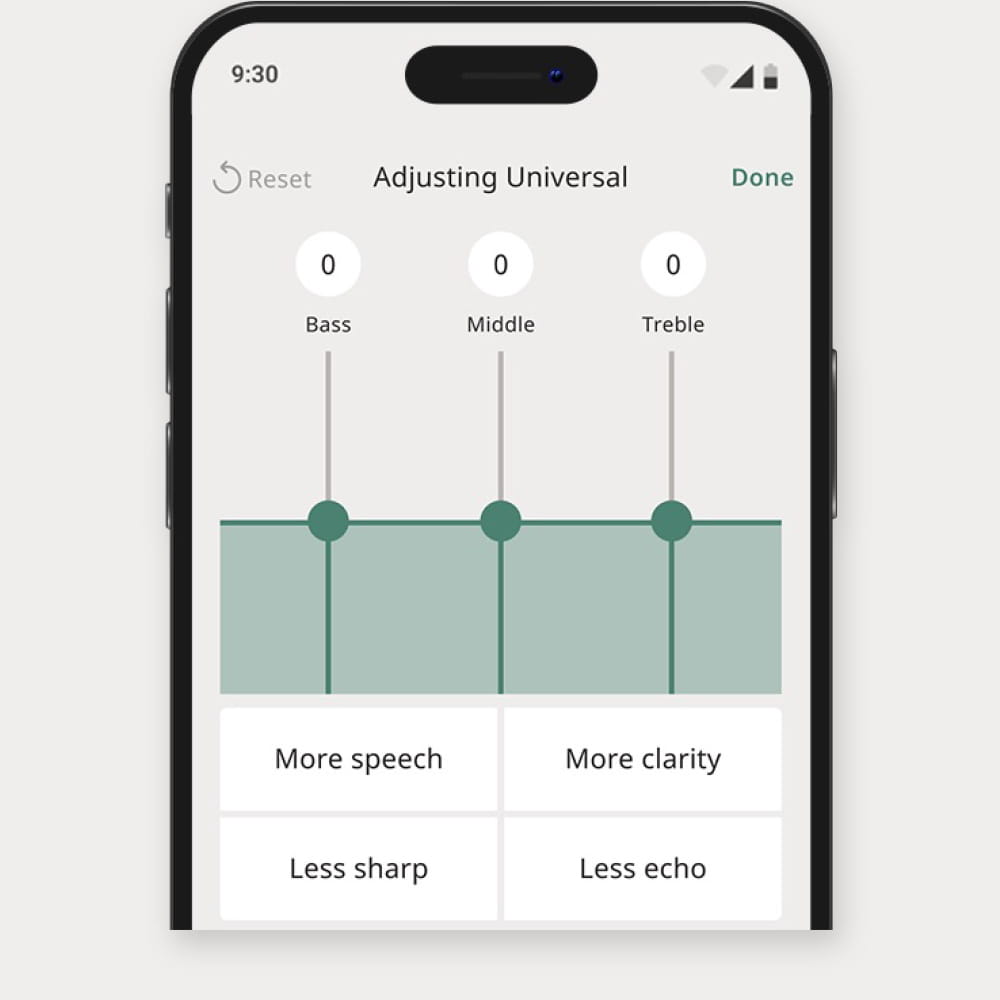
With the equalizer function, wearers can adjust the volume of specific frequencies for a more individualized hearing experience.
- Increasing bass – a low-frequency sound – can provide a fuller sound quality, especially for music
- Increasing middle frequencies can make it easier to understand when people are talking
- Increasing high frequencies can make speech and environmental sounds crisp and clear
ADJUST TO YOUR NEEDS

Light and Dark Mode
Your patients can choose between ‘Light’ and ‘Dark’ mode or enable automatic screen adjustment

Enlarged Text
Via their phone setting, your patients can adjust text size on the app for improved readability

Color Blindness
Excellent color contrast on the app screen enhances text visibility, to help patients with vision impairment or color blindness
ALLURE ASSISTANTS
With the help of their own AI Sound Assistant and AI Quick Assistant, patients can create personalized programs that are easy to switch between depending on the setting. With easy-to-follow instructions, a more personalized hearing experience is only a few clicks away.
- AI Sound Assistant - Helps wearers fine tune sound settings for listening needs in specific situations and save them as personalized programs for future use
- AI Quick Assistant - Using preference data from other users, wearers can instantly optimize sound settings with just a few taps
HELP TOPICS AND HOW-TO GUIDES
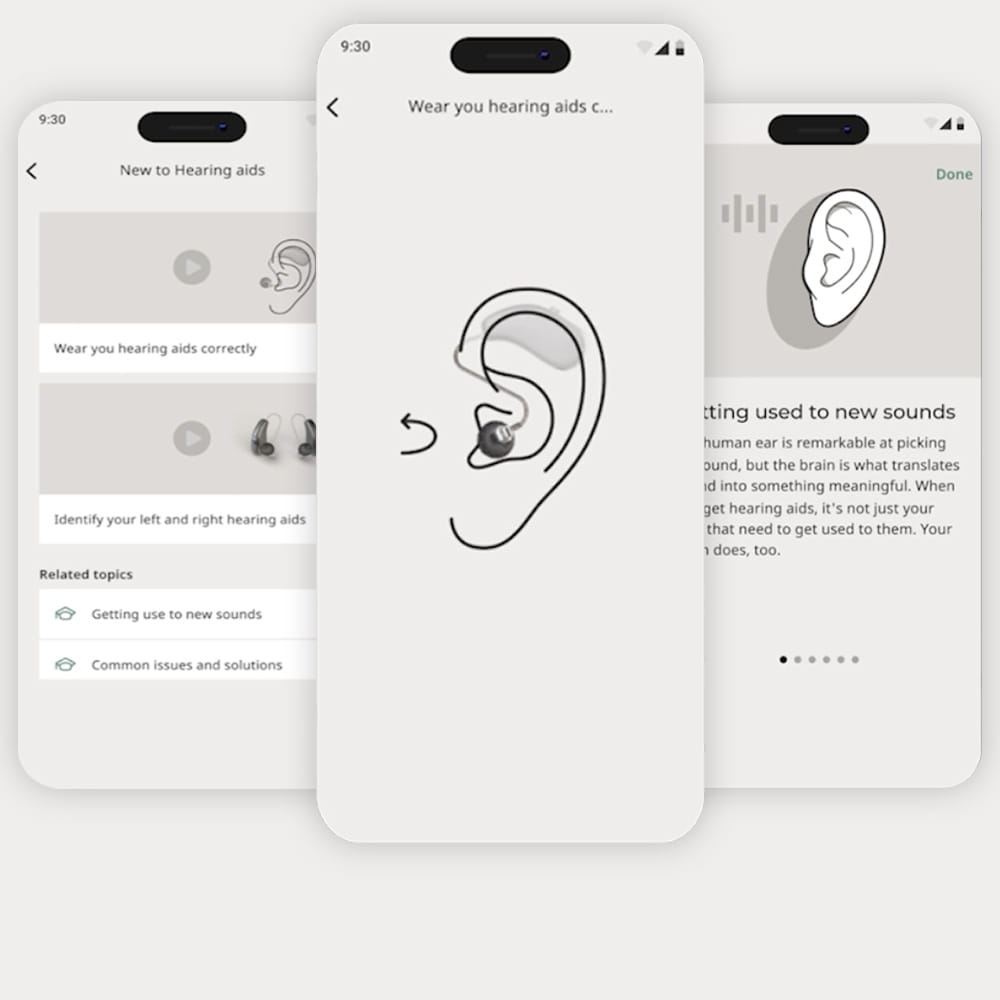
The Help section of Widex Allure App provides a library of easy-to-access topics to help your patients learn about hearing aids, hearing impairment, and app usage. It includes step-by-step guides, troubleshooting tips for sound and connectivity issues, and integrated video instructions for additional support.
- Cleaning and maintaining hearing aids
- Charging, Bluetooth connection, and troubleshooting sound issues
- Pairing Widex Allure hearing aids with a compatible device
APPLE WATCH AND WIDEX ALLURE
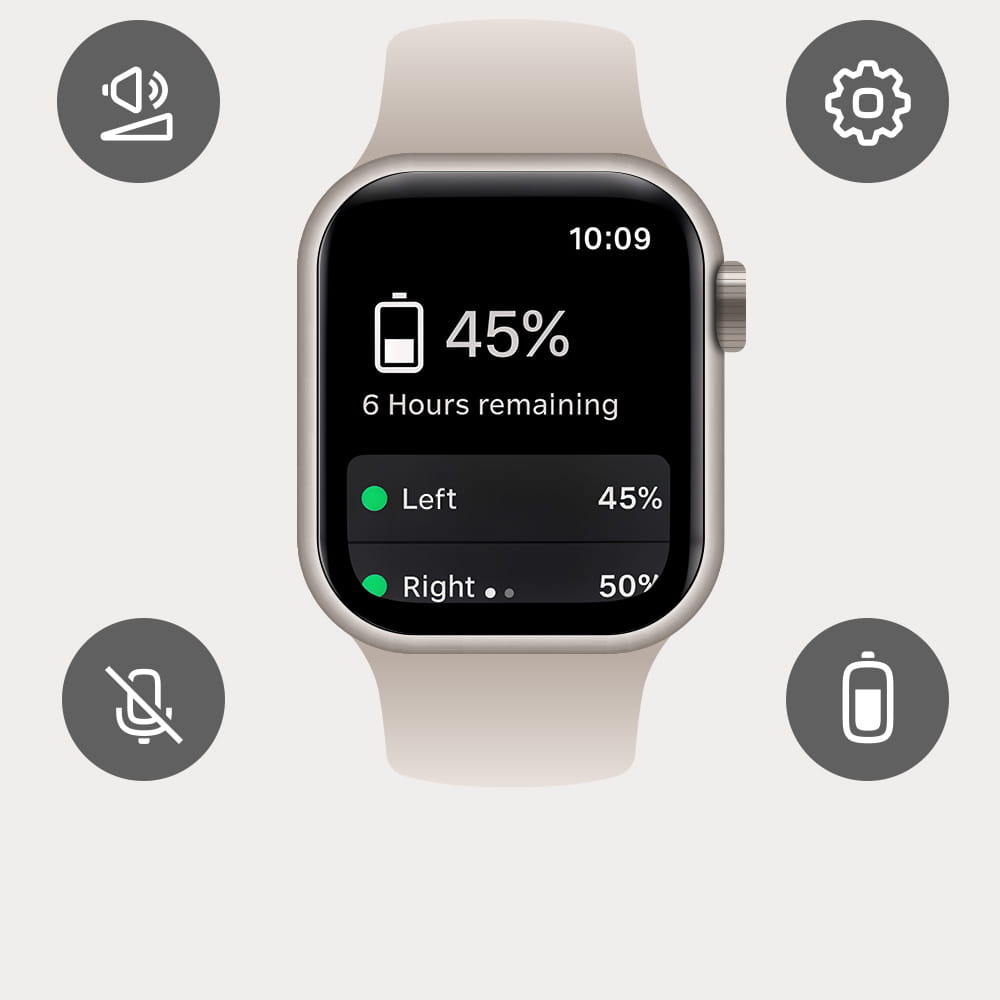
Through compatible Apple® Watches, wearers can use the Allure App to control their hearing aids. This way, they can quickly and discreetly interact with their Allure hearing aids. Allure App control functions available via Apple Watch:
- Adjust volume
- Mute and unmute
- Change programs
- Check battery status
LOCATING HEARING AIDS
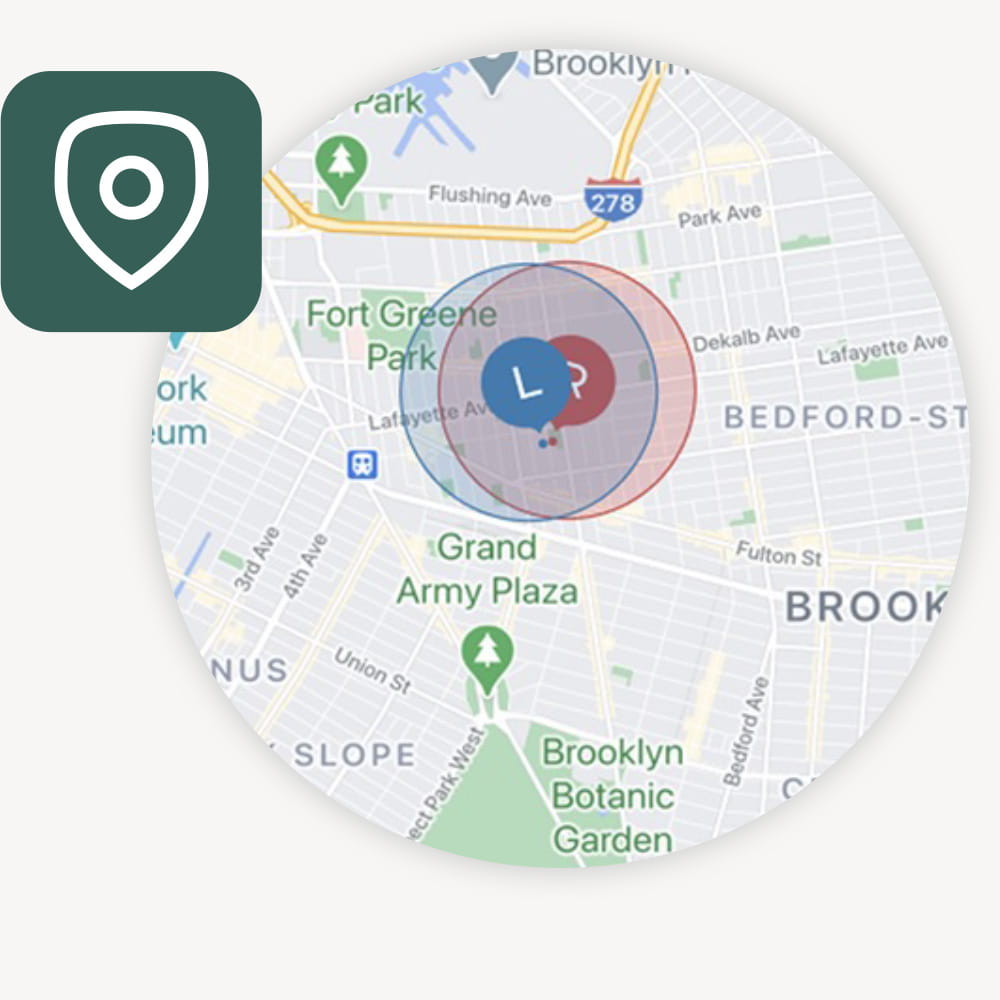
With the 'Find My Hearing Aids' feature, your wearers can easily track down misplaced hearing aids. Using the map function, they can identify where the hearing aids were last connected to their phone. Once close to the hearing aids, they can use the Bluetooth tracker for further assistance in locating them.
COMPATIBILITY
iPhone
The Allure hearing aids are compatible with iPhone® running iOS version 17 or later and Apple Watch running watchOS version 9.0 or later.
Android phones
Streaming audio on Android™ phones; ASHA
Streaming via ASHA is supported on Android devices running OS version 11 or later.
Not all Android devices support the ASHA protocol. See our compatibility list of tested ASHA enabled phones.
Streaming audio on Android phones; LE Audio
Streaming via LE Audio is supported on Android devices running OS version 14 or later. Compatible* phones include:
- Google Pixel: Models 7, 8, 9 and Pro
- Samsung S23 and later
- Samsung Flip / Fold 4 and later
* LE Audio is a new technology, and Widex cannot guarantee the quality of implementation by phone manufacturers.